In this article
A call interrupts the session halfway through, and the countdown keeps moving. The useful next decision is whether to pause, continue, or end the attempt—not whether the whole day is now ruined.
I use a timer to give work a boundary. When the work changes, the timer should help me make that change deliberately instead of leaving a misleading block in the history.
Pause when the interruption takes over
If you have stopped doing the chosen task, use the pause control. Leave yourself a return note before switching attention: “continue at paragraph three” is more useful than “finish essay.”
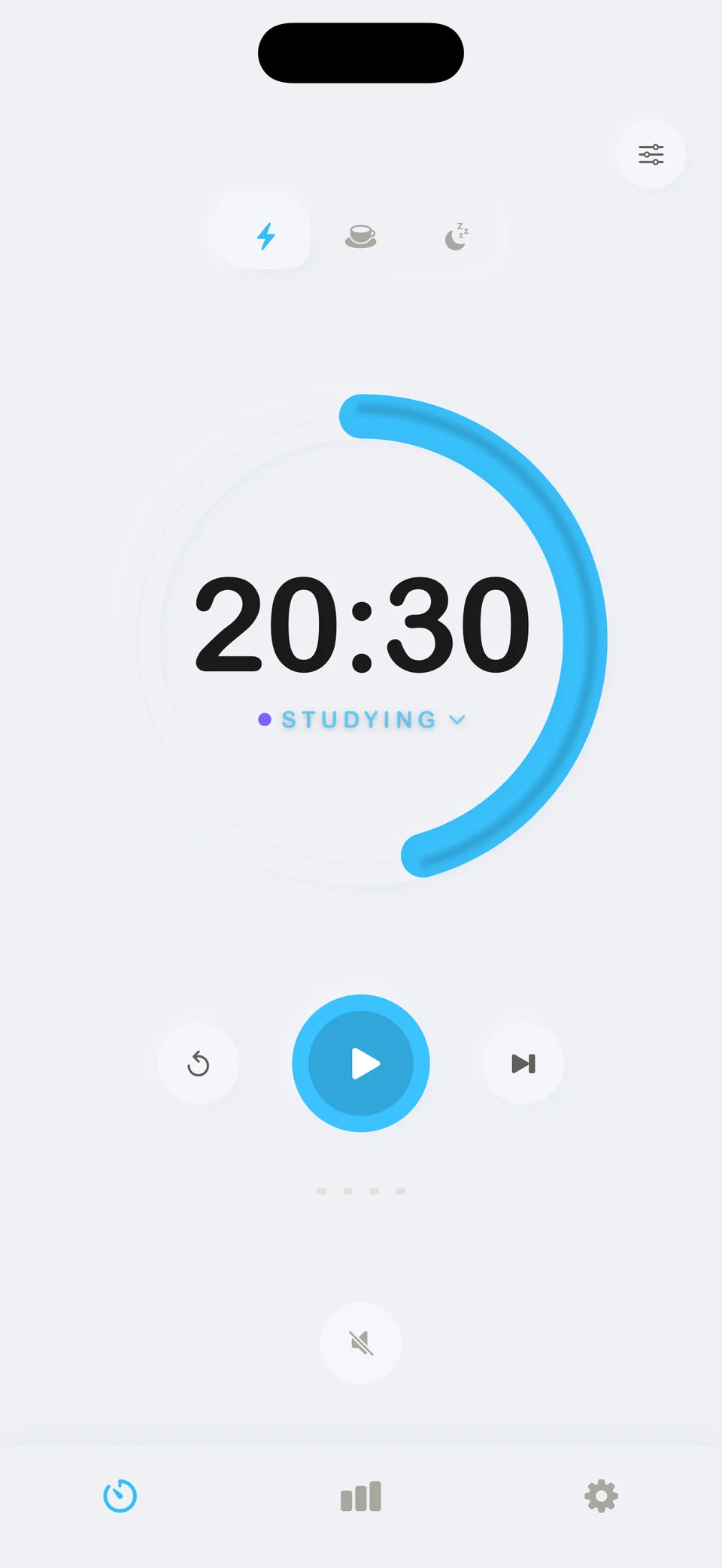
Switching to another app does not itself mean the session is paused. Focuso supports background timing, which is useful when the work is in another app. Check the timer’s state rather than using whether it is visible as your test.
Make returning smaller than restarting the project
When the interruption ends, open the material at the point you recorded. Read the next sentence or identify the next small step before resuming the timer.
If you only have a little time left before another commitment, decide whether the remaining interval still makes sense. You can choose a smaller task instead of trying to force the original plan into a changed day.
End an attempt you no longer intend to continue
A long pause can become an unresolved decision. If you are done for now, use the timer’s finish or reset controls as appropriate and check any confirmation before continuing. Do not assume resetting an unfinished countdown records it like a completed interval.
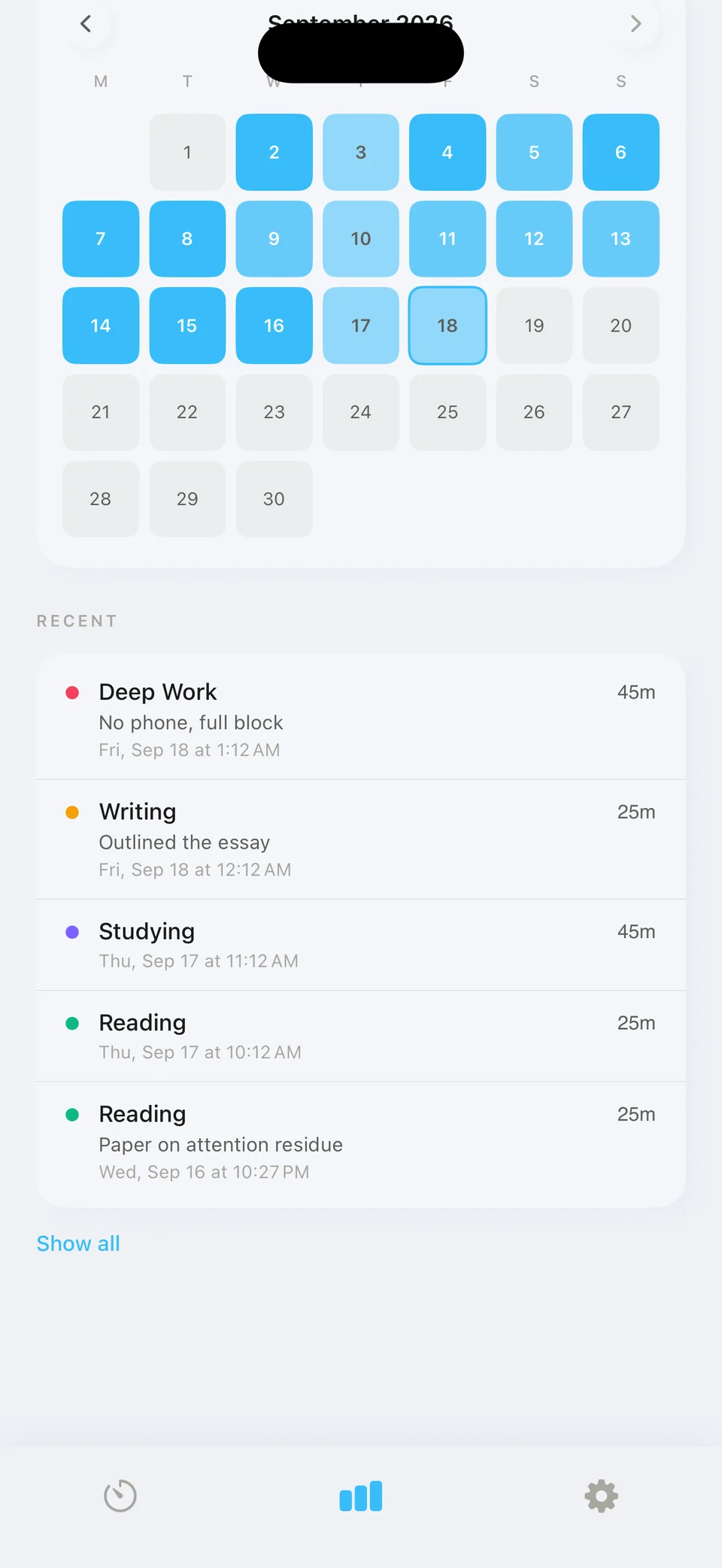
The recorded result depends on how the session ends. Afterwards, inspect the history rather than mentally counting every minute between pressing start and returning to the phone as focused work.
Review the interruption without inflating the goal
Ask whether the interruption was predictable. If it was a regular meeting or school pickup, a shorter next interval may fit better. If it was unusual, there may be nothing to redesign.
I would change one thing next time: the task size, the time of day, or the session length. Adding a bigger daily goal after an interrupted session usually gives you more decisions when you need fewer.
Focuso’s seven-day automatic trial lets you explore Pro features. Custom intervals and detailed statistics are part of the optional lifetime purchase, with no subscription. The timer works offline and does not need an account.
Use weekly history for a modest planning decision, or compare interval lengths if the same interruption keeps returning.