In this article
Coding in a completely silent room makes every distant door, kettle, or passing car stand out, while music with lyrics competes with reading stack traces and naming variables. These are my personal listening notes for the soundscape mixes I reach for in Focuso when I am writing code.
Every preference below is subjective rather than a rule or a productivity claim. I built layered audio controls into Focuso because single-track loops often feel either too flat or too busy, and adjusting individual sliders lets me match the background to the kind of work in front of me.
Rain and fireplace for stubborn debugging
When I am tracing a layout bug or reading through unfamiliar code, I want a steady bed of sound with nothing sudden in it. My usual starting point is Rain set as the main layer, with Fire sitting noticeably lower underneath. The rain covers small room noises, and the low crackle keeps the mix from sounding like sterile static.
On afternoons when a single rain track starts to feel monotonous, I bring Thunder up just enough to notice it in the background. If a distant rumble pulls my attention away from a conditional branch, I slide it straight back down to zero. Laptop speakers also emphasise the crackle in Fire differently from earbuds, so I usually nudge that slider down slightly when I switch from headphones to my desk speakers.
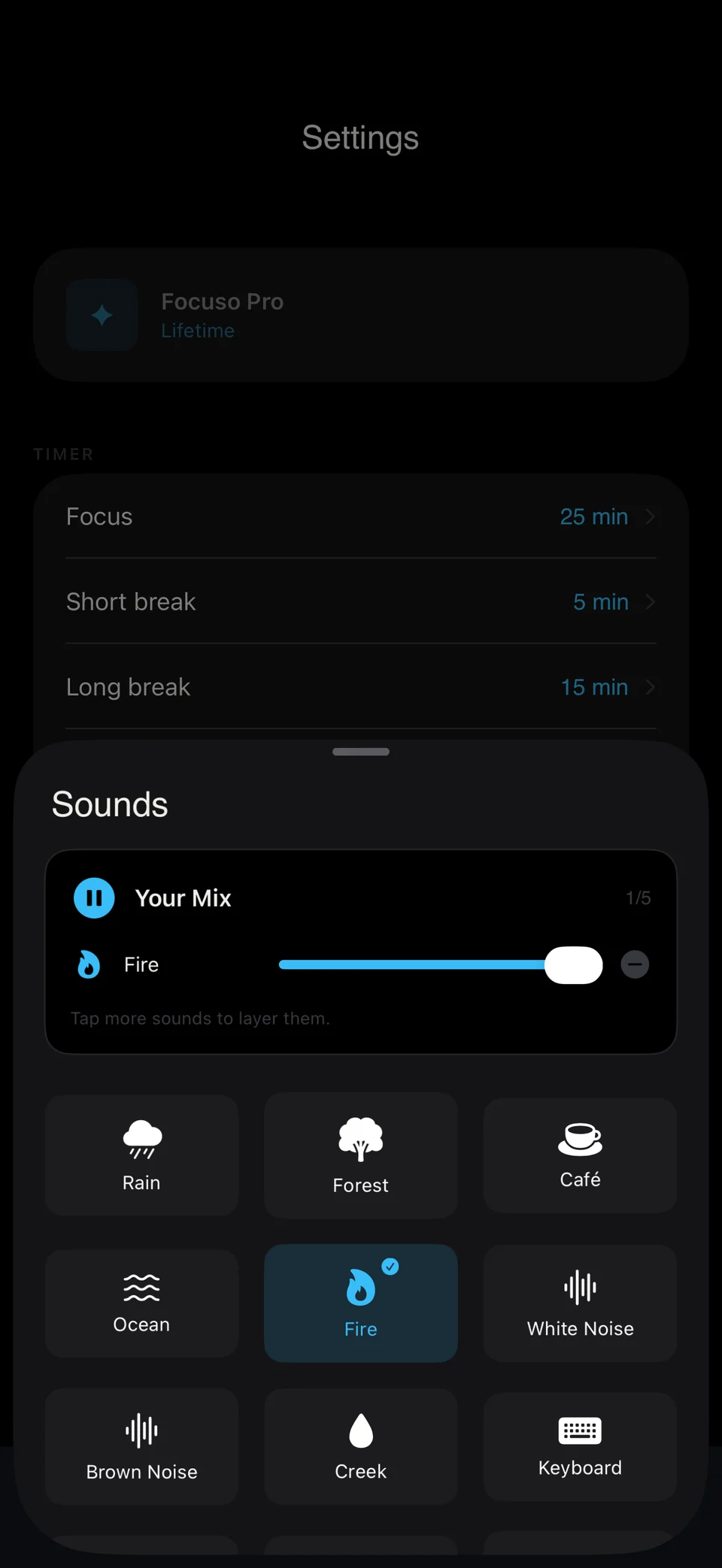
Once a balance feels right across a full focus countdown, I tap Save mix rather than rebuilding it the next day. Keeping two or three saved combinations stops audio tweaking from turning into a delay tactic before I actually open Xcode.
Café and rain for routine implementation
Writing boilerplate, wiring up Settings rows, or tidying assets feels very different from hunting down a race condition. For mechanical tasks like that, I sometimes like the room to feel a little more lively, which is where Café comes in.
Café on its own can be too distracting for me because faint background voices occasionally catch my ear when I am writing UI copy or code comments. My workaround is to keep Café much quieter than Rain, or to blend a touch of White Noise underneath so the edges soften into an even murmur. When street traffic outside is irregular, White Noise also smooths over sudden gaps between cars. The moment I switch back to reading dense documentation or writing tests, Café is the first slider I mute.
Ocean waves, forest, and Studio Music late in the day
Later in the evening, Rain can start to feel heavy after several hours in headphones. That is usually when I swap to Ocean Waves at a low device volume, or pair Forest with a faint Fire layer. Ocean Waves has a slower rise and fall that suits winding down a session—reviewing a diff, writing commit notes, or planning tomorrow’s task—better than rushing through a tight deadline.
Focuso 23.0 also includes Studio Music in the sound library. I reach for it occasionally when I want gentle musical texture without lyrics during light visual polish, though I still go back to pure ambient layers as soon as the work demands close reading. Regardless of the mix, I keep Play only during sessions switched on so the audio stops automatically when the focus countdown ends and a break begins.
- Debugging mix: Rain primary, Fire low, Thunder off or barely audible.
- Routine build mix: Rain primary, Café low, optional touch of White Noise.
- Late-evening wrap-up: Ocean Waves or Forest with Fire, or Studio Music at low volume.
If you want a step-by-step look at setting up your first combination from scratch, see building a simple sound mix in Focuso. For pairing audio with late-evening screen comfort, my nighttime dark-mode notes cover brightness and display habits separately.
When I turn everything off
Background audio is optional, not a requirement for concentration. If my head feels tired, or if I am already sitting in a noisy café, adding headphones and layering more sound on top usually makes me feel more fatigued rather than calmer. On those days, silence—or simply stepping away for a short break—works better than searching for a cleverer mix.
I also remind myself to check the iPhone or Mac system volume separately from the in-app sliders. A mix that sounds subtle at my desk in the morning can feel far too loud through earbuds late at night, and keeping the overall level modest makes it easier to work for an hour without ear fatigue.
Access limits and trying it yourself
Focuso works offline on iPhone, iPad, and Apple silicon Mac without requiring an account, so your saved mixes stay on your device. In version 23.0, eligible new users can start seven days of full access by completing a free Apple in-app transaction, with no automatic charge or renewal. Afterwards, a one-time lifetime purchase is required to start or resume further sessions, while your history and Settings remain accessible. Existing installations retain their previous freemium access, and valid earlier purchases remain honoured.
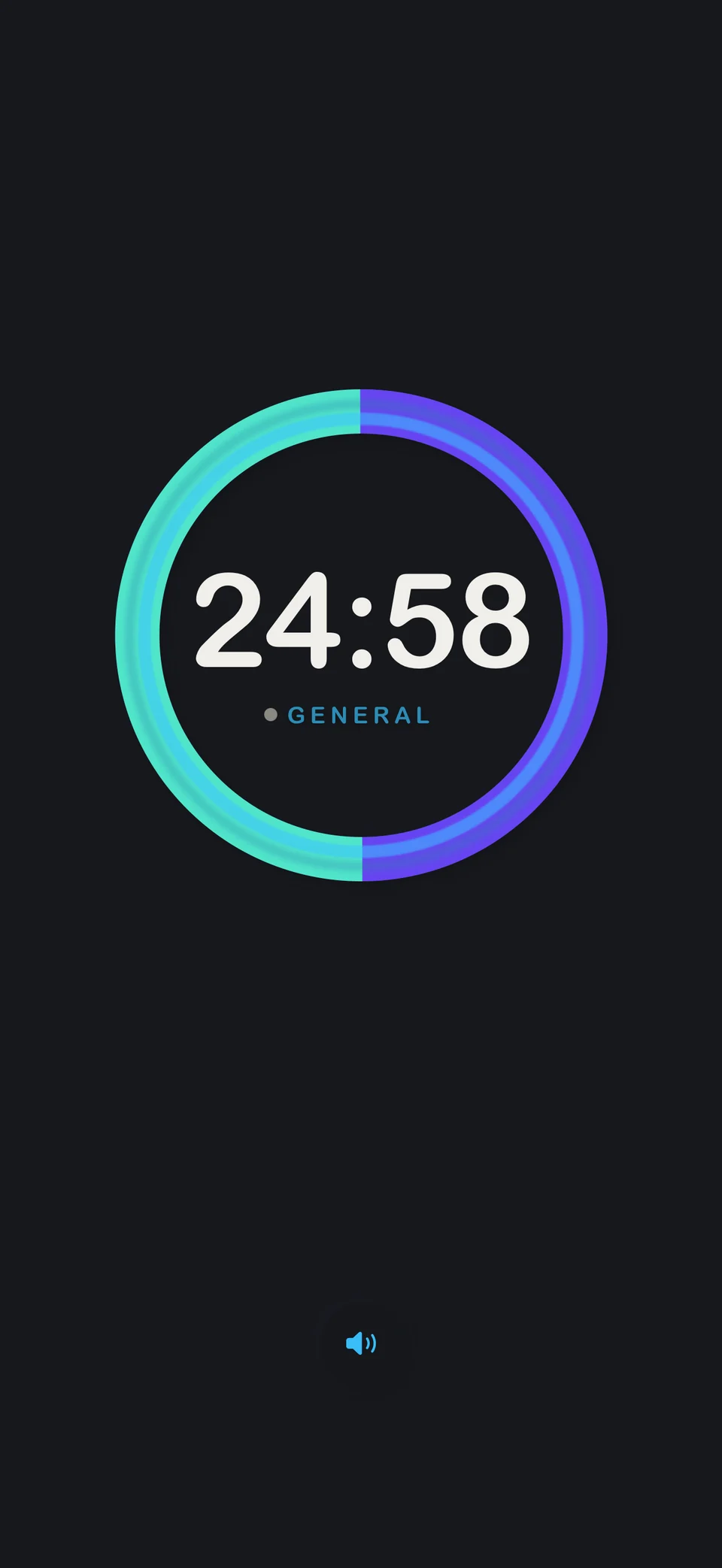
If you want to experiment with these layers alongside a focus countdown, you can check full details and current storefront availability on the app page.