In this article
A timer can be visually quieter without needing a complicated explanation. Focuso’s dark appearance keeps the countdown against a dark background, with the ring providing the main accent.
If you prefer a darker display while studying, here is what I would adjust and what I would still check outside the app.
Choose a readable theme
Start with a ring colour that remains distinct from the background at your usual brightness. A theme can look attractive in a promotional image and still be harder to read in your room.
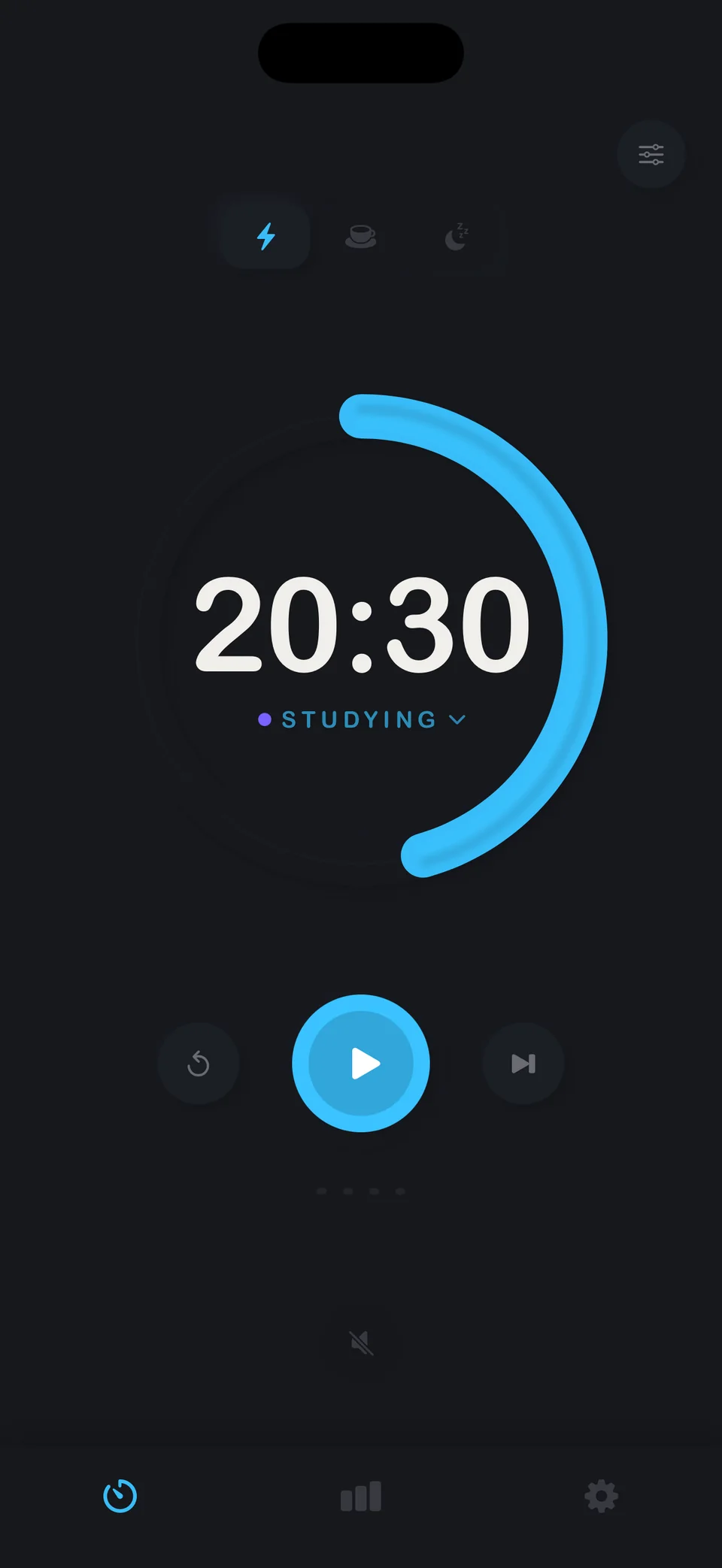
Try the timer from where your phone will sit during work. If you need to pick it up to read it, change the placement or appearance before starting.
Adjust device brightness separately
A dark app background does not set your screen brightness or the lighting in the room. Use the device controls to choose a comfortable level and check the other screen you are working on too.
I would also reduce interruptions before the session. A quiet timer is less useful if the phone keeps lighting up with unrelated notifications.
Understand the OLED distinction
OLED displays can turn off individual pixels to show black. That is a display characteristic, not a guarantee that a dark app will use a particular amount of battery. Device hardware, brightness, the rest of the image, and other activity all matter.
Apple describes OLED behaviour in its guide to Super Retina and Super Retina XDR displays. Focuso also runs on devices with different display hardware, so I would avoid treating one screenshot as a promise about every screen.
Keep the session bounded
Choose the task and duration before pressing start. At the end, write down where you stopped and take the planned break. The point of a timer is to give the work a boundary, including when you are tempted to keep extending it.
Focuso offers short and long breaks as well as work intervals. Use the rhythm that fits the task, and do not treat an evening theme as a reason to keep working indefinitely.
Make it easy to return tomorrow
Before closing the app, leave yourself one clear next step. A readable timer, a comfortable workspace, and a stopping point are the practical choices I would focus on. Pick an appearance you enjoy, then spend the session on the work.
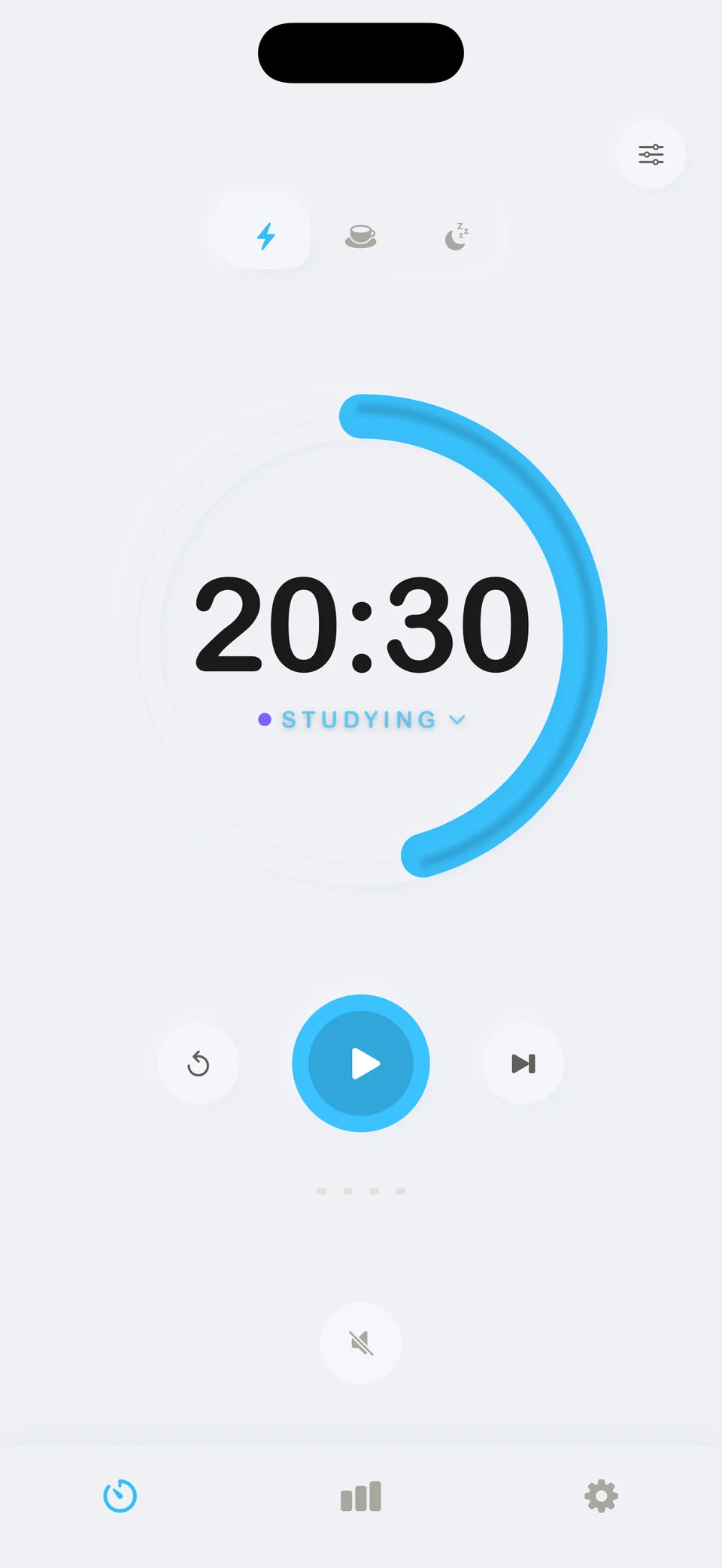
For the timer itself, read my visual-session setup. For optional audio, see how to build a simple sound mix.