In this article
A word from a book or podcast already has something valuable attached to it: a situation. Keep that context when you save the word, and you have more to study than an isolated entry in a list.
VocabZ lets you add your own words with definitions, examples, and optional details. My approach is to capture a little, check the meaning, and return to the entry soon enough that collecting does not replace learning.
Capture the word without losing the activity
If you are listening, note the word and a timestamp. If you are reading, record the page or a short description of the passage. You can come back after the section rather than interrupting every sentence.
Choose words that blocked understanding, appeared repeatedly, or seem useful for your own conversations. You do not have to save every unfamiliar expression.
Check the meaning in that context
A familiar spelling can carry an unfamiliar meaning. “Issue” might mean a problem, a publication, or the act of supplying something. Look up the sense that fits the sentence you encountered.
Write the definition in words you understand. If you are unsure about a synonym, register, or part of speech, leave an optional field blank until you can check it. A confident-looking but incorrect entry is harder to unlearn.
Add an entry in VocabZ
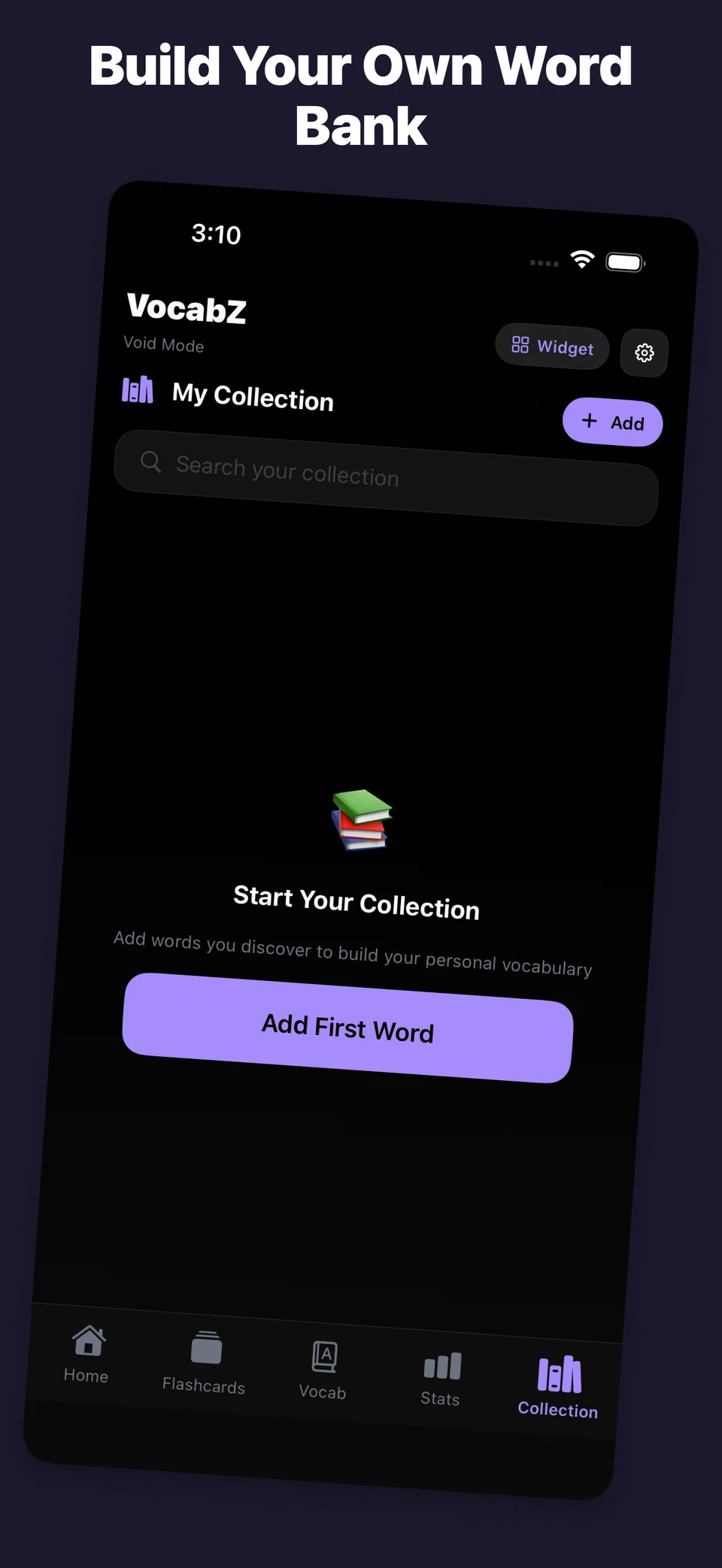
Open My Collection and use Add new word. The form includes a word and meaning, with options for an example sentence, category, difficulty, CEFR level, part of speech, synonym, and antonym.
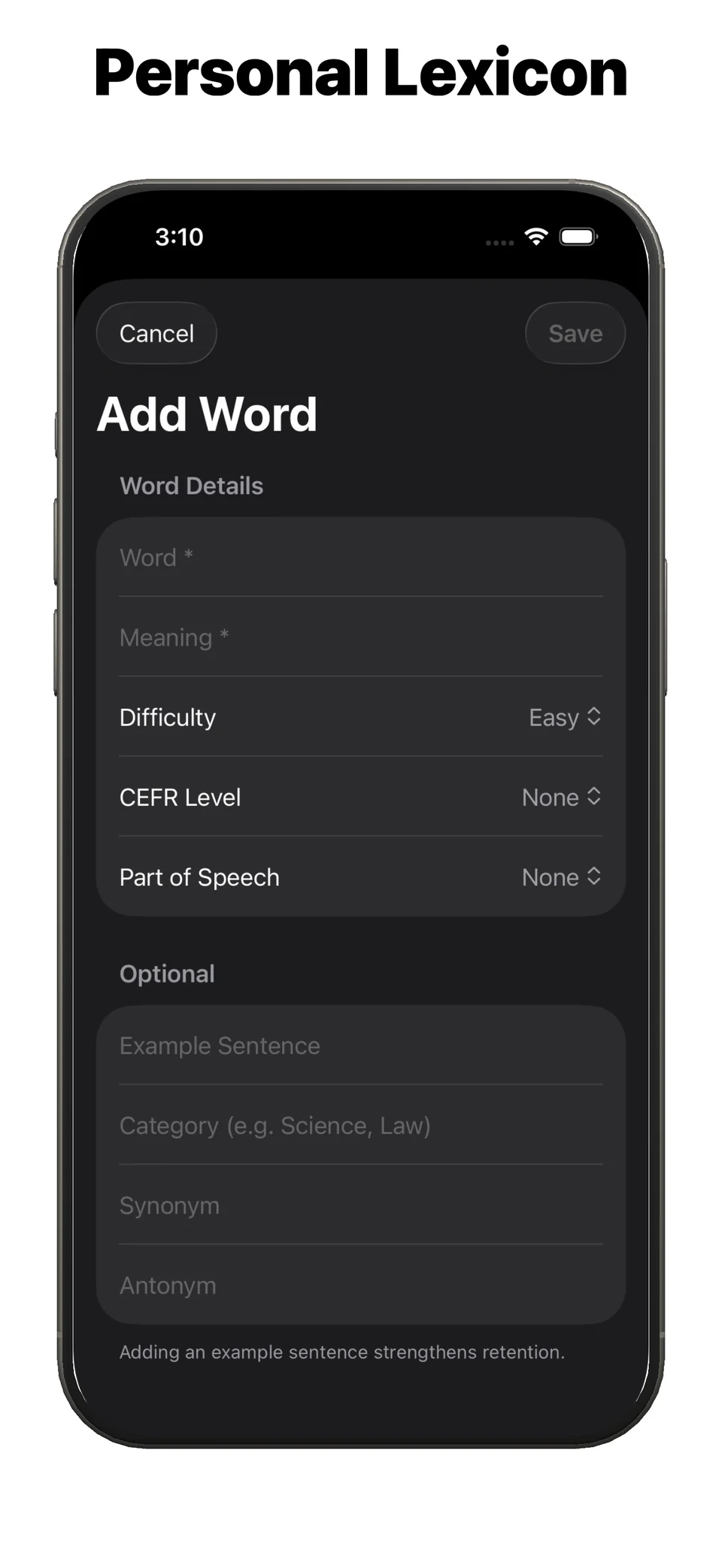
| Field | Example entry |
|---|---|
| Word | feasible |
| Meaning | Possible to carry out with the resources available. |
| Example | Finishing the first draft by Friday is feasible. |
| Category | Work and planning |
| Part of speech | Adjective |
The example sentence here is original study material. You can record a source reference separately in your notes and write your own sentence rather than copying a long passage from a book.
Use categories you will remember
A handful of broad categories—work, everyday conversation, reading—can make a collection easier to revisit. Creating a new category for each podcast episode may leave you with too many tiny groups.
Search for an existing entry before adding a duplicate. If the new encounter teaches a different meaning, make that distinction clear in your definition and example.
Return to the word as a question
Try recalling the meaning before opening the answer. Say or write a fresh sentence. Then compare it with your saved definition.
A personal collection gives you words to revisit. Adding an entry or marking it saved is not the same as completing a recall attempt; open the entry, cover its meaning, and test yourself before checking it. Make a recall attempt in Flashcards or a quiz rather than assuming a bookmark alone has trained the word.
Keep the collection small enough to use
If you save twenty words and review none, the next useful action is to revisit a few existing entries. You can add more later. Check the current free allowance or Pro access when adding personal words; do not assume every action is unlimited.
Use the ten-minute routine to give the collection a regular review slot. For a gentle reminder outside the app, see the word-of-the-day widget guide.