In this article
A quote image needs two things to survive sharing: readable words and clear attribution. A beautiful background is less useful if the text disappears beneath the iPhone clock or the source is cropped away.
I would begin with the passage, then inspect the exported image in its actual destination.
Choose the wording deliberately
Open the passage and inspect Original & guidance. Daily Quotes’ modern wording is an AI-assisted editorial adaptation of existing English passages, not a new translation from Greek or Latin.
Preserve that distinction when sharing. A modern adaptation should not quietly become a verbatim ancient quotation in a caption.
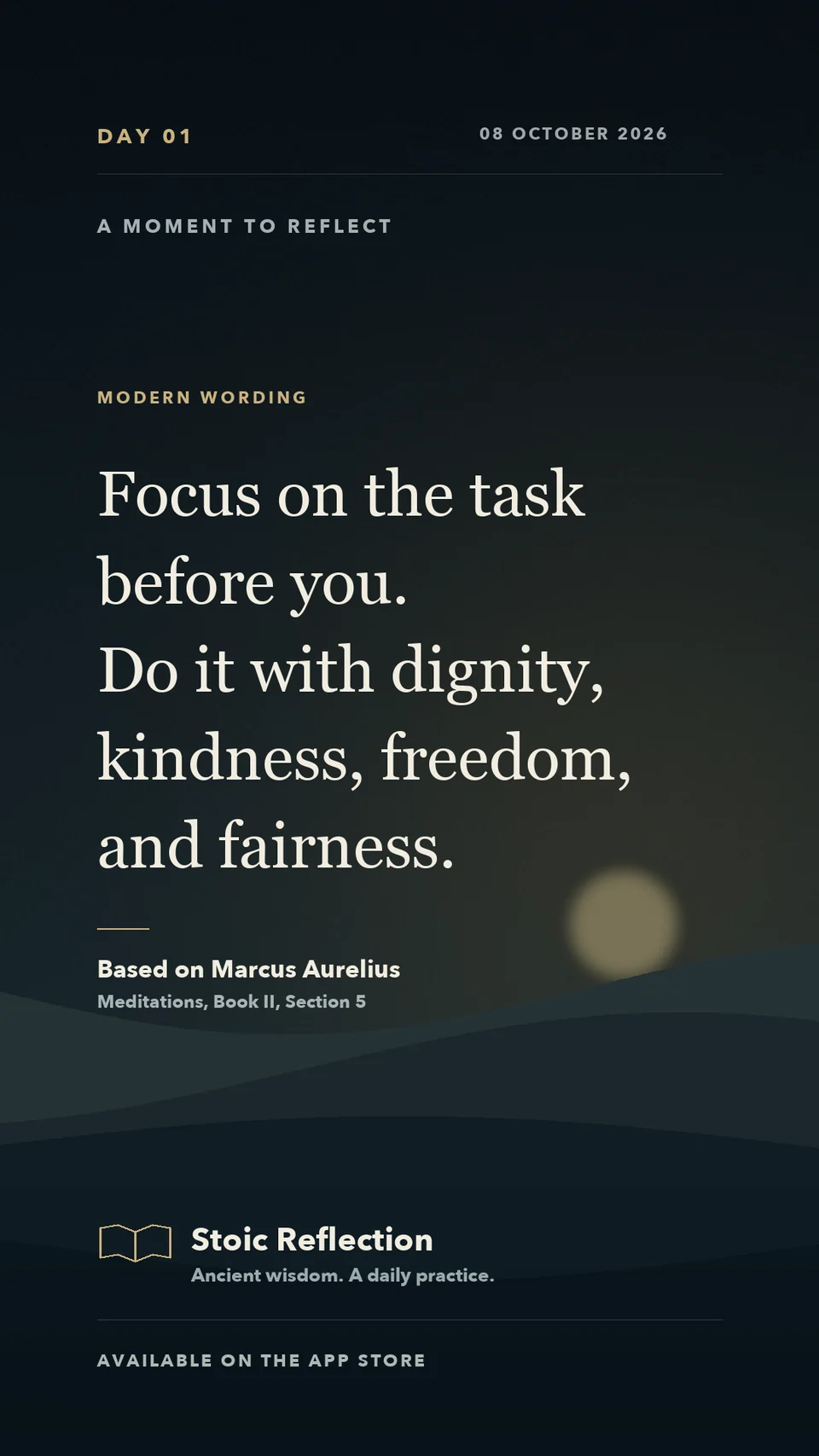
Use the available sharing controls
Open the passage’s sharing options and choose a card or wallpaper. Select the appearance and background available to your access level. Pro adds premium backgrounds, author portraits, personal photos, and animated sharing.
This guide does not promise a Library tab, Create Card button, or Safe Zone Guide: those previously described controls were not verified in the released interface.
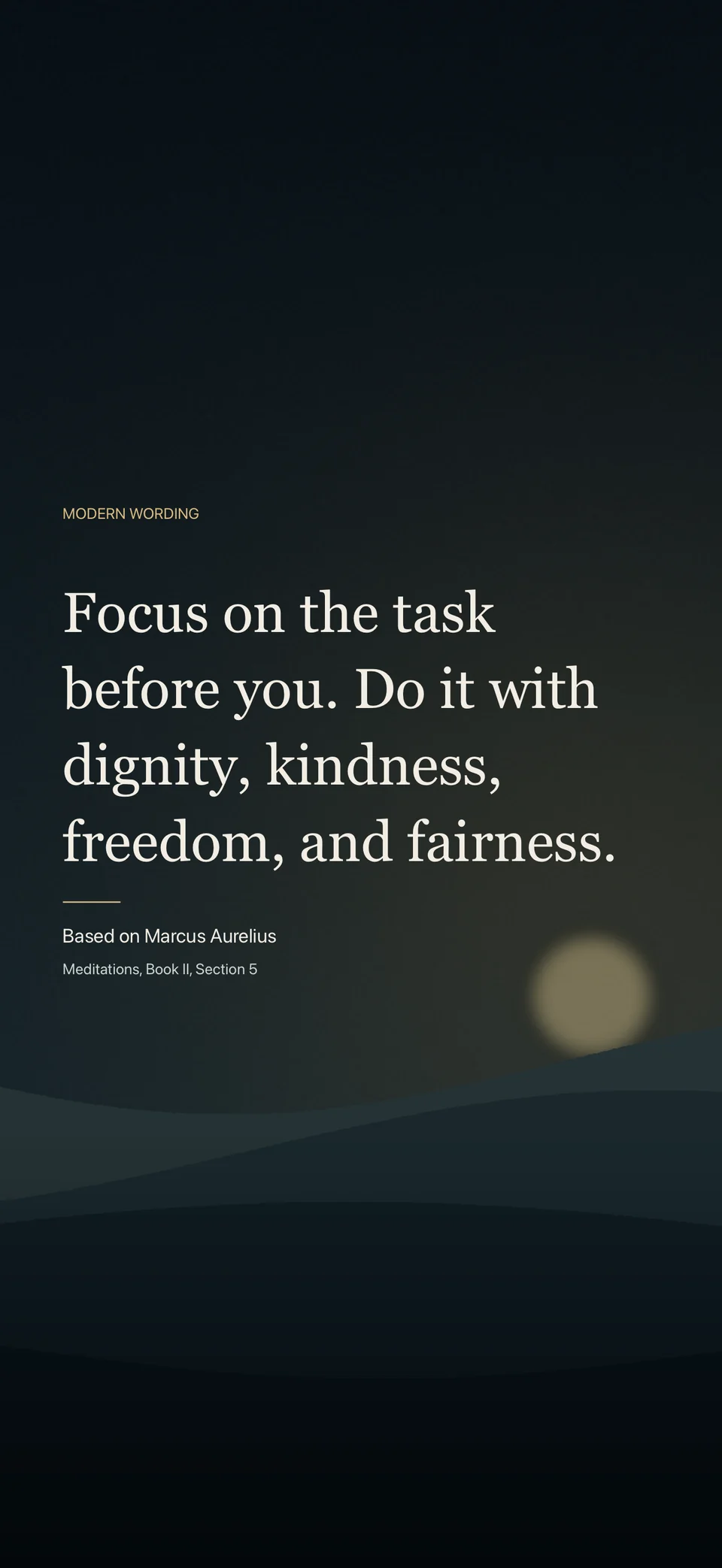
Preview before applying
Save the result and open the file. Inspect the author and source at full size. For a wallpaper, use the system preview to check the clock, widgets, and lower controls against the passage.
Crop or scale carefully. If the layout is crowded, choose another presentation rather than making the text too small to read.
Keep the access rules clear
Daily reading and reflections remain free with ads. Lifetime Pro removes ads and adds appearance, sharing, history, full-path, and Home Screen widget features. Eligible users can try Pro for seven days without automatic charging.
Use the attribution checklist before posting, or a supported Home Screen widget if you want a system-managed view rather than a saved wallpaper.